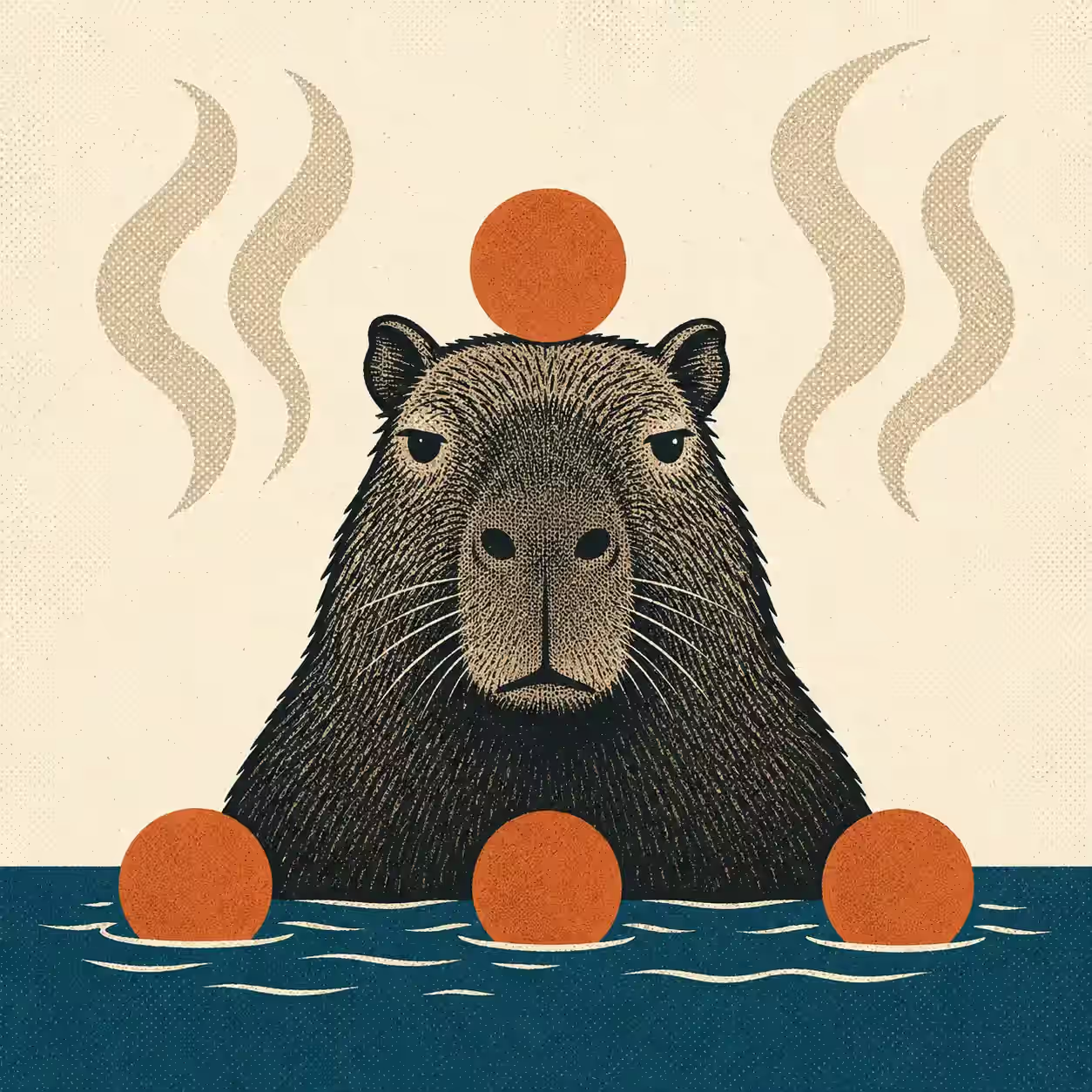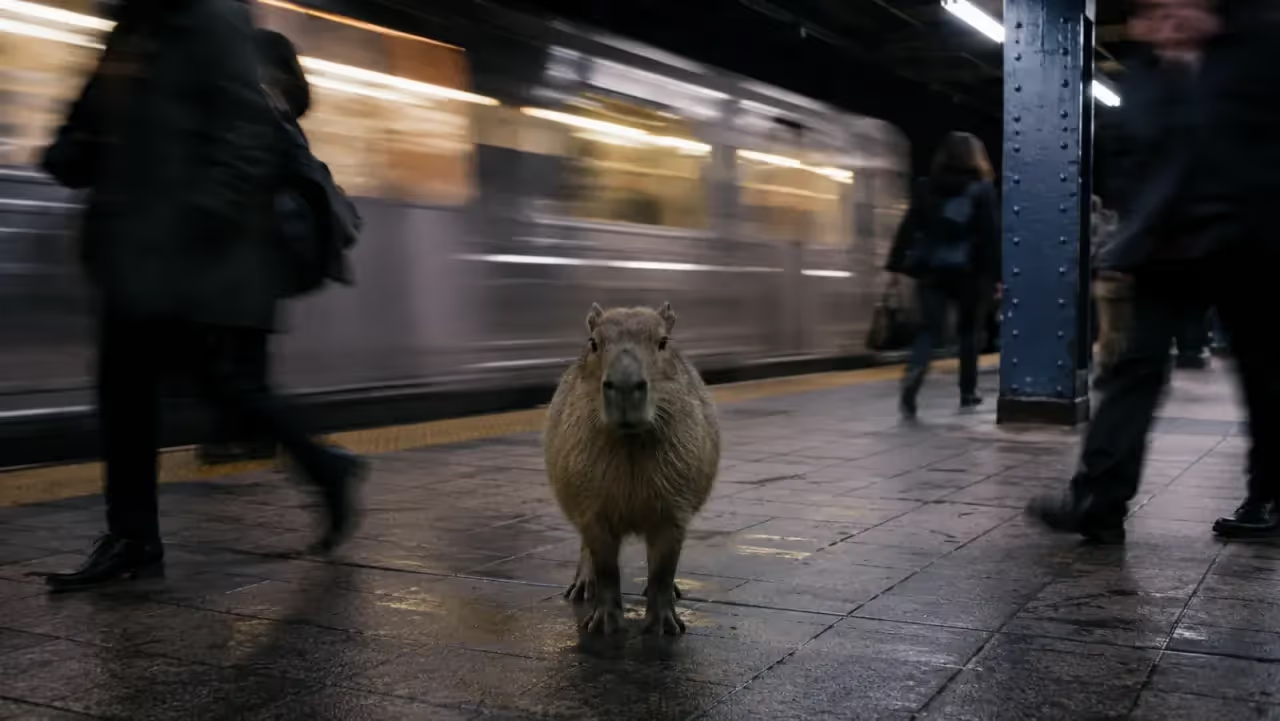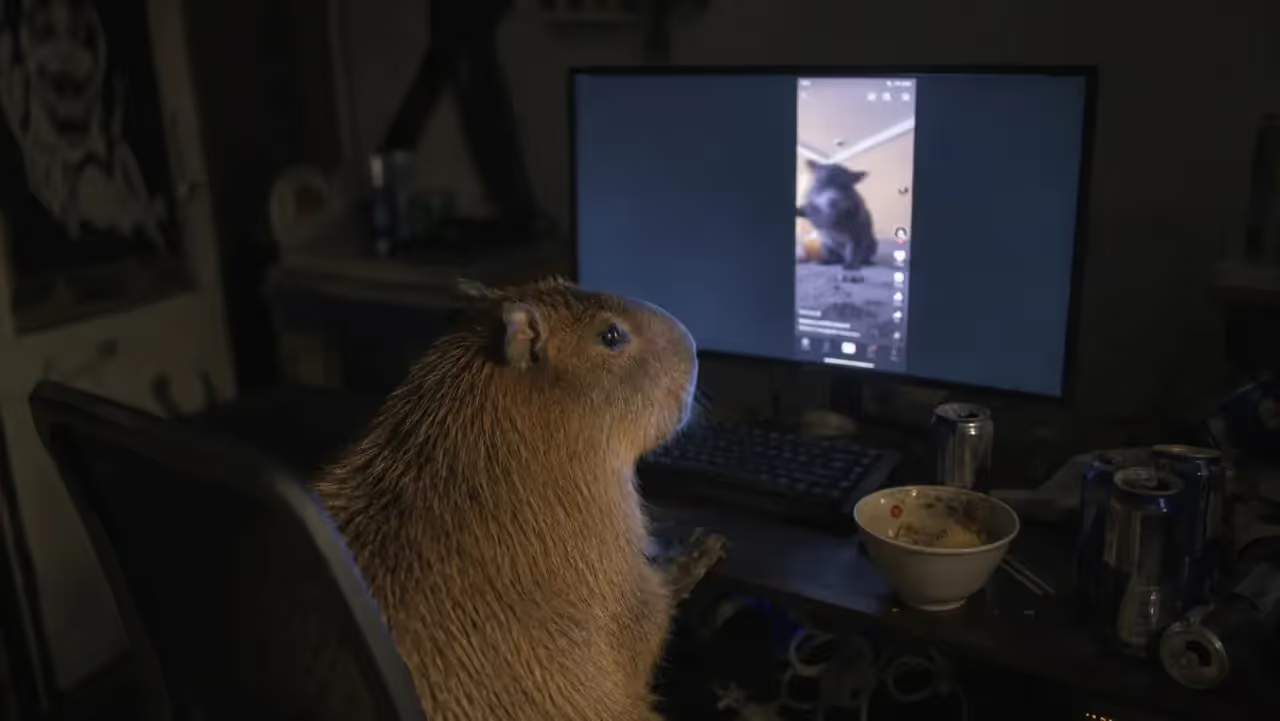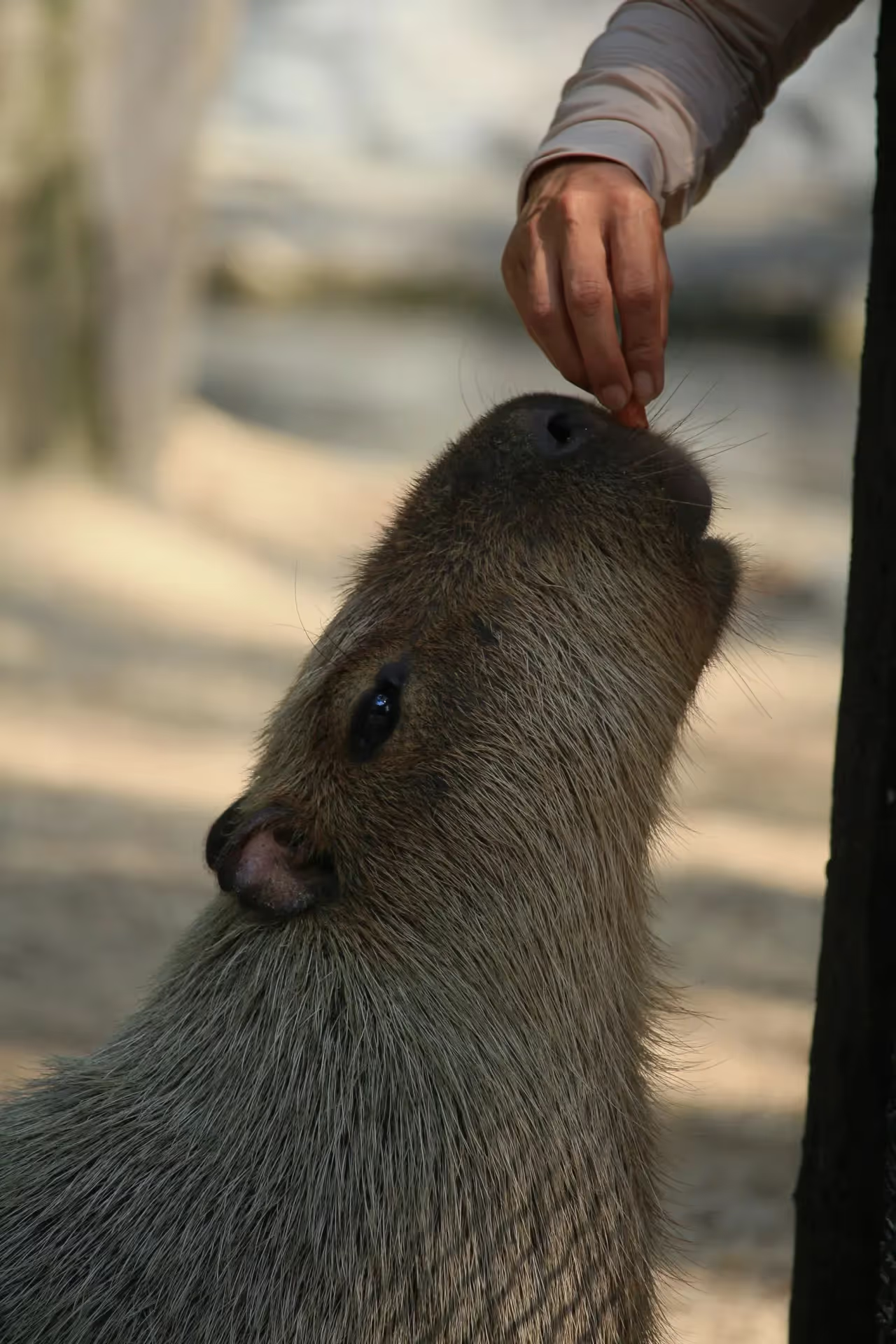
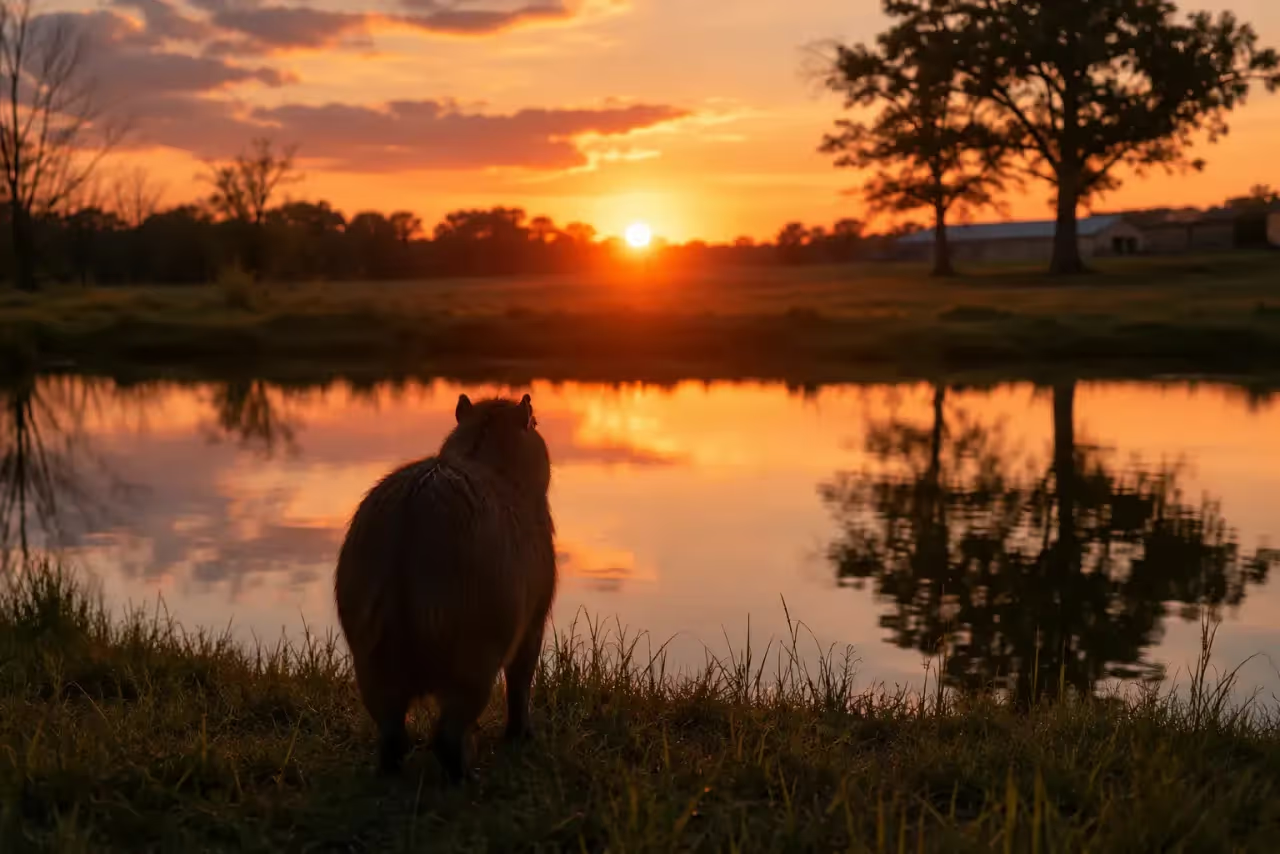
Capybara wallpaper works because the animal already looks like it has muted every group chat and accepted the consequences. That is a useful lock-screen mood.
The keeper version: one clear subject, enough empty space for icons, one strong mood. Calm water, serious portrait, group nap, yuzu bath, tiny side-eye, or minimalist silhouette all work. A cluttered screenshot from a video usually does not. Your app icons need somewhere to be annoying.
The Capybara Wallpaper Styles That Work
| Style | Best for | What to avoid |
|---|---|---|
| Serious portrait | Lock screens and reaction energy | Cropping the ears or nose |
| Water-edge calm | Home screens with many icons | Dark images where icons vanish |
| Group nap | Tablet or laptop backgrounds | Busy layouts with no empty space |
| Meme caption | Friend-group chaos | Long text under the clock |
| Minimal silhouette | Clean aesthetic setups | Too little capybara identity |
The image has to survive real phone life: clock, widgets, battery icon, notifications, and the 43 apps you said you were going to organize in March.

Phone Wallpaper Rules The Capybara Did Not Ask For
Use vertical images. Put the capybara’s face below the clock area or off to one side. Leave negative space at the top. Avoid photos where the subject is tiny, the background is chaotic, or the face lands exactly behind your weather widget.
There is a simple test that saves most of the trouble: cover the top third of the image with your thumb. If what remains still reads as a capybara, it will work. If the thumb removes the animal’s face, you have a photo, not a wallpaper.
Contrast is the other trap. A very dark image makes dark app icons disappear; a very bright one makes white clock text unreadable. Both look fine in the picker and bad on the home screen, which is why the only real check is setting it and looking at it.
If you are publishing wallpapers rather than just using them, naming matters too. Google’s image guidance asks for descriptive filenames and alt text, and Harvard’s accessibility guidance asks that the description say what the image shows and why it is there. “Cute wallpaper 7” helps nobody. Not the reader, not search, not the capybara.
Caption Ideas That Do Not Scream At Your Lock Screen
Good wallpaper captions are short enough to read while you are avoiding a task.
- Emotionally Available After 3 p.m.
- Do Less, But Hydrated
- Currently At Capacity
- Soft Life, Hard Stare
- No Meetings Near Water
- Mentally In A Pond
Set them low, keep them to four or five words, and never put text where a notification will land on it.

Where To Find Capybara Photos You Are Allowed To Use
The two easiest sources are Unsplash and Pexels. Both publish plain-language licence pages worth two minutes: the Unsplash License and the Pexels License. The short version of both is that you can use the photos freely, including commercially, but you cannot sell unmodified copies or build a competing stock library out of them.
For a personal lock screen none of that is likely to matter. It starts mattering the moment you put a photo in a wallpaper pack, a shop listing, or an app. Credit the photographer anyway. It costs nothing and it is the difference between a fan and a content mill.
Search terms that actually return usable vertical shots: “capybara water,” “capybara portrait,” “capybara grass.” Searching just “capybara” returns a lot of wide landscape frames where the animal is a distant brown smudge.
The Shape Problem Nobody Mentions
Here is why a photo that looked perfect in the picker looks wrong on the phone, and it is not contrast or composition. It is arithmetic.
Cameras mostly shoot 3:2 or 4:3. Modern phone screens are roughly 19.5:9 or 20:9 — far taller and narrower than anything a camera produces. A vertical photograph is still about 1.5 times as tall as it is wide; your screen is about 2.2 times. So the phone has to crop, always, and it crops the sides.
Two consequences, and both explain real wallpapers that went wrong:
A centred capybara survives; an off-centre one does not. Anything in the outer third of the frame is the first thing to go. If the composition depends on the animal sitting to one side with water on the other, the phone will delete the water and leave you with a rodent against a wall.
Pinch-to-zoom makes it worse, not better. Zooming out to fit the whole photo leaves bars or letterboxes on most phones; zooming in to fill the screen throws away more of the sides. The only real fix is to crop deliberately before you set it — to something close to your screen’s own ratio — rather than letting the phone choose.
For resolution, the rule is simpler than the spec sheets: find your screen’s pixel height in Settings and download a file at least that tall. Unsplash and Pexels both offer a size choice on download, and the largest one is free. An image smaller than the screen gets stretched, which is what produces that faintly soft, slightly mushy wallpaper you cannot put your finger on.
Common Wallpaper Mistakes
The usual failures are predictable: a screenshot pulled from a compressed video, a photo where the capybara is a distant smudge, a caption in a font that dissolves at phone size, and a background so busy that every app icon has to fight for its life.
Fix all four the same way. One subject, big. One idea. Empty space where the interface will be. Then check it on the actual phone, because a wallpaper always looks better in the preview than it does under fourteen notifications.
Your Lock Screen Can Have Standards
Pick the one that matches how you want your phone to feel, not the one with the most going on. The capybara is doing the emotional work here. It does not need help from a gradient.
If your lock screen makes you exhale slightly before you unlock it, the wallpaper is doing its job.